Mission control,
hiding in your notch.
NotchPilot turns the dead space around your camera into a live Claude Code + Codex token dashboard, a drag-and-drop file shelf, and one-tap automations — without ever opening another window.
Four tools, one piece of glass.
Everything you reach for while you work — a hover away. It never steals a window, and never steals your focus.
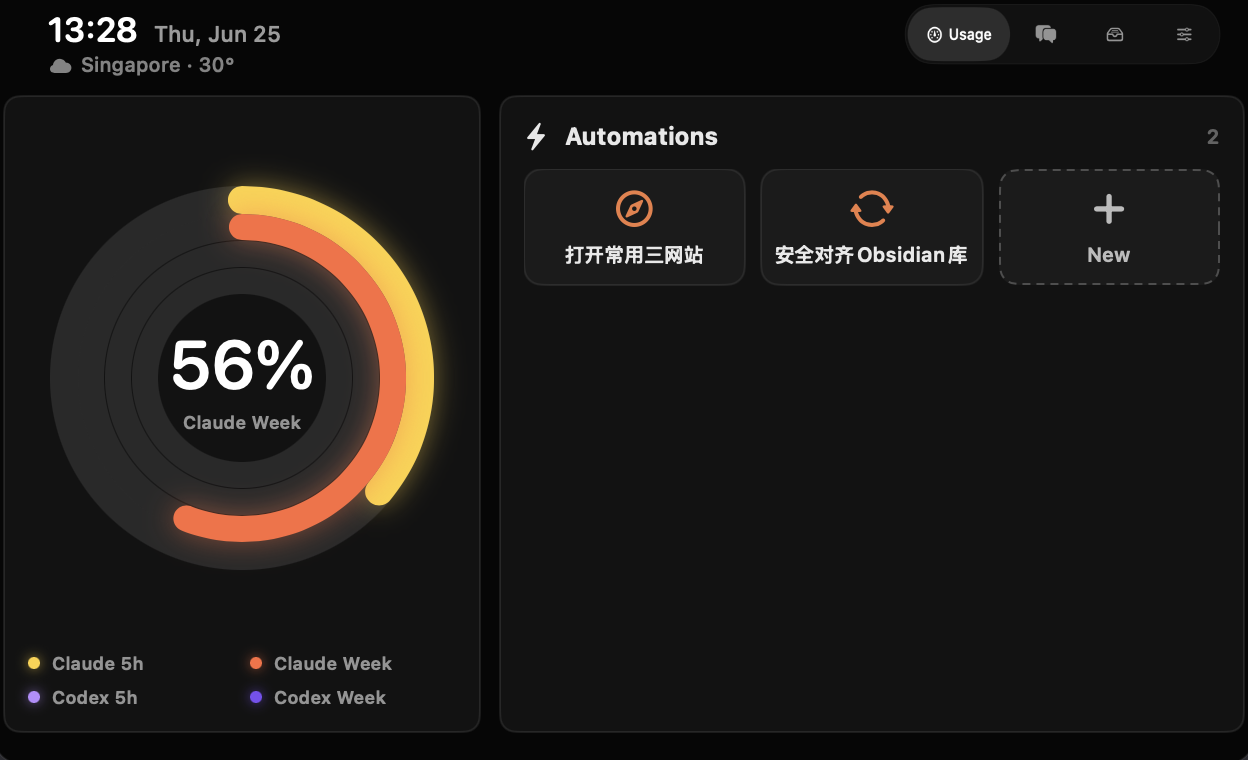
See every token before you run out.
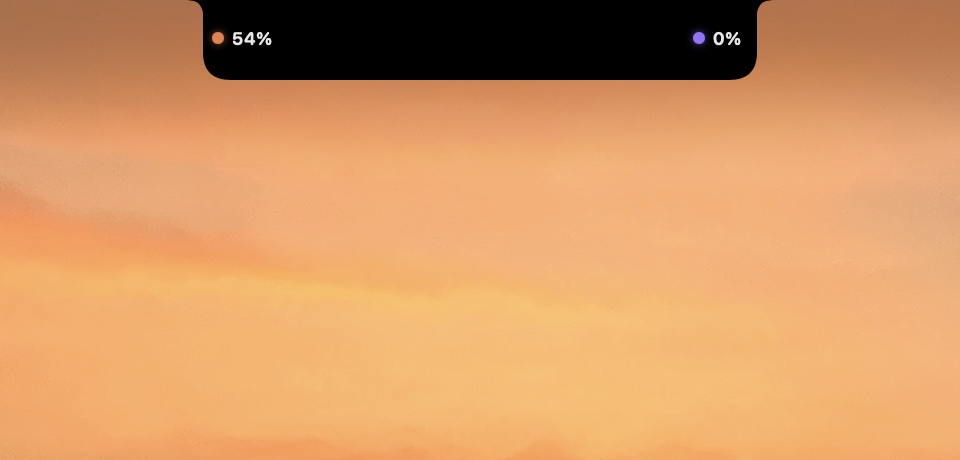
Live 5-hour, weekly, and context rings for Claude Code and Codex — with real reset countdowns pulled straight from your local CLI logs. Glance the percentages right from the collapsed pill.
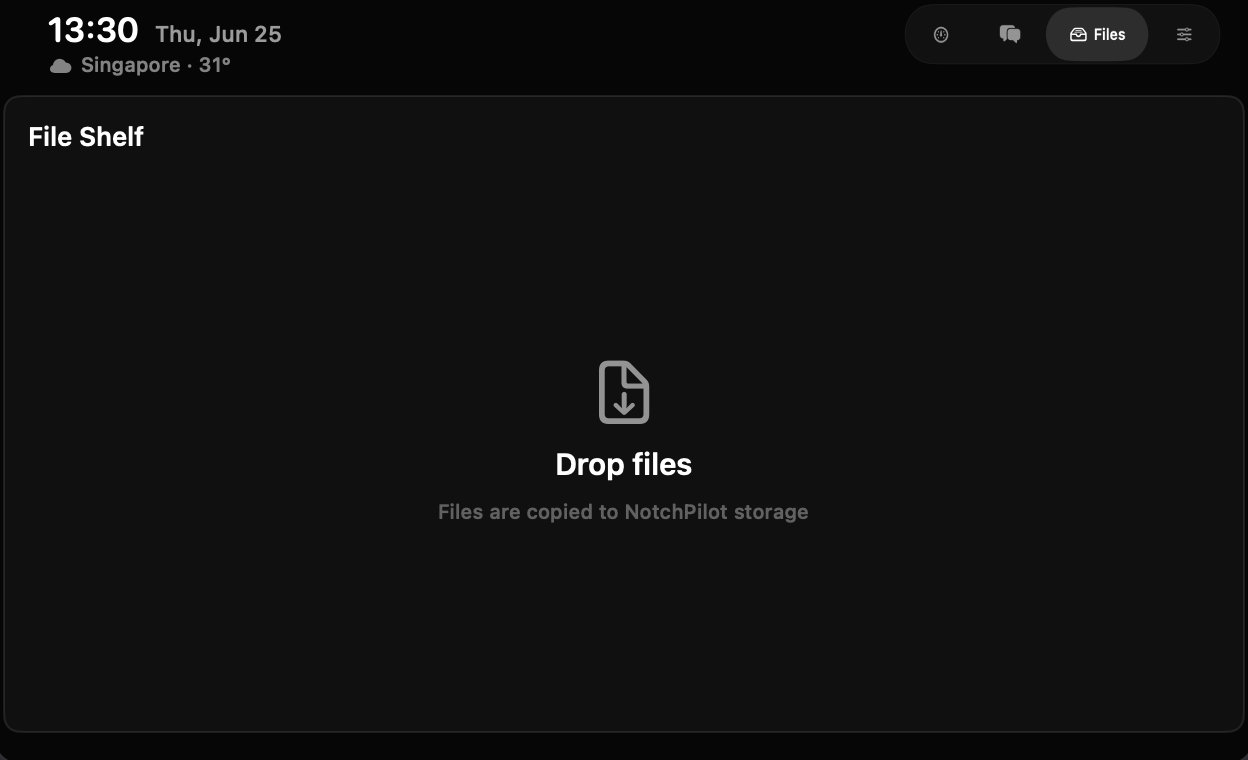
Drop files onto the notch.
A shelf that lives in the cutout. Drag anything in to stash it, drag it back out wherever you need it — no Finder windows, no Desktop clutter.
Describe an automation. Click it forever.
Tell NotchPilot what you want in plain language. It writes a safe, sandbox-friendly macOS script and saves it as a one-tap button — opening URLs, drafting emails, running Shortcuts, anything user-space. No destructive commands, ever.
Resume any Claude session in one click.
Every Claude Code session, grouped by project, with a hover recap of where you left off. One click reopens it in a fresh terminal — right back in its working directory.
Quota when you're working. Album art when you're not.
When music is playing, the pill quietly shows album art and a live waveform. When it isn't, it's your usage at a glance — it always knows which one you need.
Nothing leaves your Mac.
NotchPilot reads your local Claude and Codex files and does its work on-device. There's no account, no server, no telemetry. The only network calls are the ones the Anthropic / OpenAI CLIs already make on your behalf.
- Reads ~/.claude and ~/.codex — read-only, on your machine
- Automation scripts are written only to your local NotchPilot folder — inspect any of them
- No analytics SDK, no crash reporting, no account system
Free. Open source. Yours.
Every feature, free — no account, no subscription, no lock-in. If it earns a spot in your notch, you can leave a tip to support the work.
- Live Claude + Codex token dashboard
- Drag-and-drop file shelf
- One-tap automations
- Session control center
- Open source — inspect or build it yourself
Like it? A one-time tip helps me keep building and supports the project. Totally optional — the app is fully free either way.
- Say thanks for the work
- Help fund updates & new features
- Secure checkout via PayPal
Good to know before you download.
Is it really free?
Yes — every feature, free, with no account and no subscription. NotchPilot is open source. If you find it useful, an optional one-time $10 tip via PayPal helps support the work, but it's never required.
How do I leave a tip?
There's a $10 tip button that opens PayPal. It's a one-time thank-you, not a subscription — and it doesn't unlock anything, since the whole app is already free.
Do I need a paid Claude or Codex plan?
NotchPilot reads the usage data the Claude Code and Codex CLIs already write to your Mac, so you'll want those CLIs set up. The dashboard reflects whatever plan you're on — and the app itself never needs an account of its own.
Do my tokens or data ever leave my Mac?
No. NotchPilot reads ~/.claude and ~/.codex locally and does all its work on-device. There's no server, no telemetry, and no account — the only network calls are the ones the Anthropic and OpenAI CLIs already make on your behalf.
Are the automations safe?
Yes, by design. NotchPilot only writes sandbox-friendly, user-space scripts — opening URLs, drafting emails, running Shortcuts. It never generates destructive commands, and you review each automation before it's saved as a button.
Which Macs does it run on?
Apple Silicon Macs running macOS 26 or later. The app is around 6 MB, signed for Apple Silicon.
How do I open it the first time?
NotchPilot runs outside the App Store sandbox so it can read your local Claude and Codex files. The first time you open it, macOS may warn you because it isn't from the App Store — right-click the app in Applications → Open → confirm. If macOS still blocks it, open Terminal and run xattr -dr com.apple.quarantine /Applications/NotchPilot.app once, then open it normally.
Put your notch to work.
Apple Silicon · macOS 26 · ~6 MB · free & open source.